
Best Free Bookmark Managers in 2026 (No Subscription Required)

You don't need to pay $10/month to keep your bookmarks organized. While premium bookmark managers have their place, there are excellent free options that handle the basics — and in some cases, much more — without asking for your credit card.
We tested the best free bookmark managers available in 2026, focusing on tools that offer genuinely useful free tiers rather than crippled demos designed to push you into a paid plan.
Looking for apps specifically designed for saving articles to read later? See our read-later apps comparison or our roundup of the 9 best read-it-later apps.
What We Looked For
A good free bookmark manager should provide:
- Browser extension — Save links with one or two clicks from any page
- Organization — Tags, folders, or collections to keep things findable
- Cross-browser/device access — Access your bookmarks from anywhere, not locked to one browser
- Reasonable limits — A free tier that's actually usable for everyday bookmarking
- Import/export — The ability to bring in existing bookmarks and take your data out
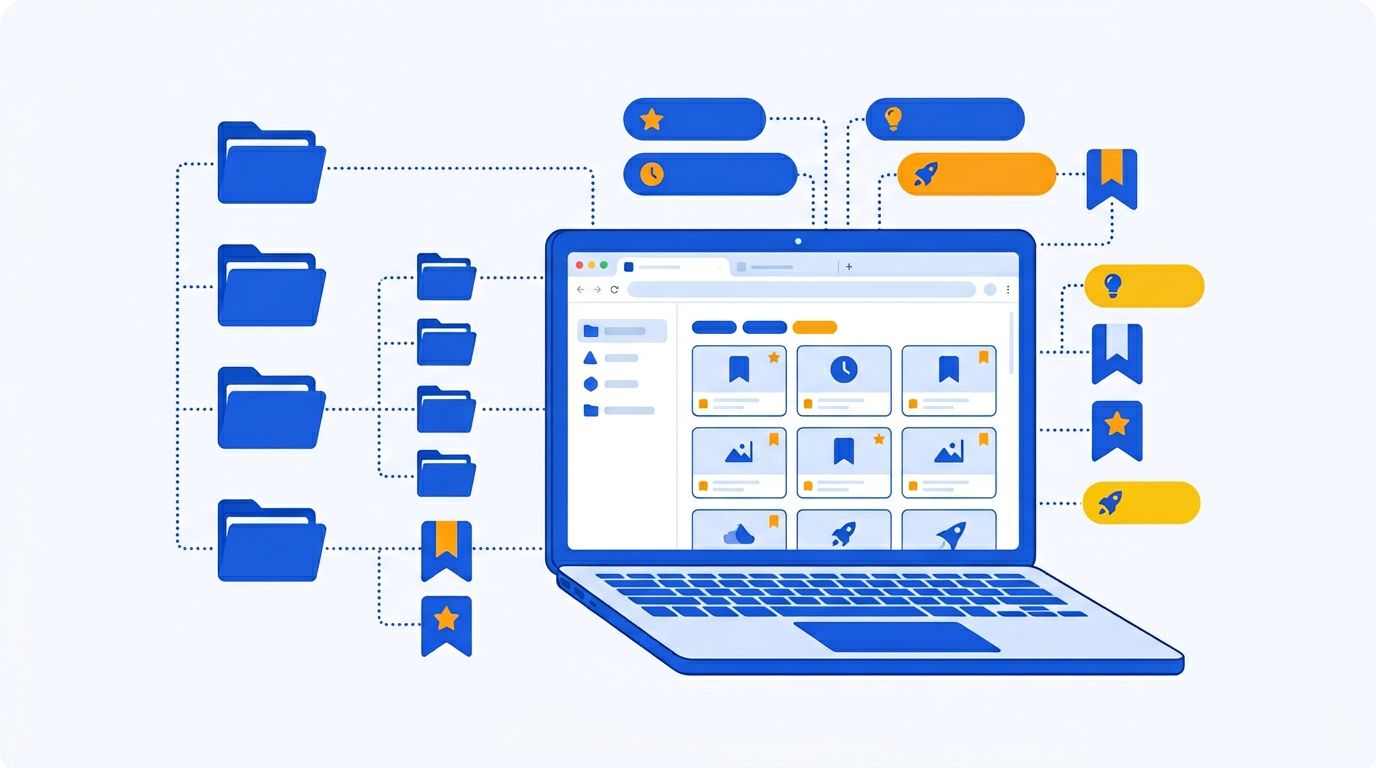
Quick Comparison: 8 Best Free Bookmark Managers
| Tool | Best For | Free Tier Limits | Browser Extensions | Unique Feature |
|---|---|---|---|---|
| Mailist | Reading saved content | 500 unread links | Chrome, Firefox | Weekly email newsletter |
| Raindrop.io | Visual organization | Unlimited bookmarks | All browsers | Visual collections |
| Omnivore | Full-featured reading | Unlimited, no restrictions | Chrome, Firefox, Safari | Completely free |
| Chrome Bookmarks | Basic saving (Chrome) | Unlimited | Built-in | Zero setup |
| Firefox Bookmarks | Basic saving (Firefox) | Unlimited | Built-in | Tag support |
| Pinboard | Minimal link archiving | N/A ($22/year one-time) | Bookmarklet | Plain text speed |
| Wallabag | Self-hosted privacy | Unlimited (self-hosted) | Chrome, Firefox | Full article archiving |
| Hoarder | AI bookmarking | Unlimited (self-hosted) | Chrome | AI auto-tagging |
1. Mailist — Best Free Bookmark Manager for Actually Reading Your Saves
Most bookmark managers solve the wrong problem. They help you save links efficiently but do nothing to help you read them. Your collection grows, guilt accumulates, and eventually you stop opening the app altogether.
Mailist flips this pattern. It's a bookmark manager built around one radical idea: your saved links should come to you, not the other way around.
What You Get for Free
- Save up to 500 unread links
- Chrome and Firefox browser extensions
- Weekly email newsletter of your unread bookmarks — randomly selected, delivered to your inbox
- Tag-based organization
- Import from Chrome, Firefox, Pocket, or any HTML bookmark file
- Broken link detection
- Shareable weekly newsletters — turn your reading list into a curated resource for others
Why It Stands Out
The weekly newsletter is the feature that makes Mailist unique in the entire bookmark manager space. Every week, Mailist picks random unread links from your collection and emails them to you. You open the email, scan the links, read what interests you. Links you open are marked as "read" and won't appear again. Over time, you actually work through your backlog instead of watching it grow.
The paid plan ($9/month) adds AI-powered article summaries in your newsletter and removes the 500 unread link limit, but the free tier is generous enough for most people.
2. Raindrop.io — Best Free Bookmark Manager for Organization
If your bookmarks need serious organizational help, Raindrop.io's free tier is remarkably capable. It's one of the most popular bookmark managers for a reason — the visual approach makes large collections manageable.
What You Get for Free
- Unlimited bookmarks
- Nested collections (folders within folders)
- Tags and filters
- Extensions for every major browser
- Mobile apps for iOS and Android
- Import/export support
- Drag-and-drop organization
Why It Stands Out
Raindrop.io shows visual thumbnails for every bookmark, making it easy to scan and find content at a glance. The nested collections let you build a hierarchy that matches how you think — by project, topic, or whatever structure works for you. The free tier doesn't limit the number of bookmarks, which is unusual for a freemium product.
The Pro plan ($3/month) adds full-text search across saved pages, duplicate detection, and permanent cloud backup. But for basic bookmark management, the free tier covers the essentials.
3. Omnivore — Best Completely Free Bookmark Manager
Omnivore takes "free" to the extreme: there's no premium tier at all. Every feature is available to every user at no cost. It's open source, community-supported, and surprisingly full-featured.
What You Get for Free
- Everything — there are no paid features
- Reader view for distraction-free reading
- Highlighting and annotations
- Newsletter ingestion via custom email
- PDF and EPUB support
- Integrations with Obsidian, Logseq, and webhooks
- Mobile apps for iOS and Android
- Full data export
Why It Stands Out
No tricks, no upsells, no feature gates. Omnivore is the most feature-rich completely free bookmark/read-later tool available. The newsletter ingestion feature — where you get a unique email address to subscribe to newsletters directly in the app — is genuinely clever. If you're in the personal knowledge management ecosystem (Obsidian, Logseq), the integrations are a major draw.
4. Chrome Bookmarks — Simplest Free Option (No Install)
Don't overlook what's already built into your browser. Chrome's bookmark manager requires zero setup and handles the basics competently.
What You Get
- Unlimited bookmarks
- Folder-based organization
- Bookmark bar for quick access
- Cross-device sync via Google account
- Search across all bookmarks
- Import/export as HTML
Where It Falls Short
Chrome bookmarks work fine for a small collection — a few dozen frequently-used sites. But once you pass 100+ bookmarks, the folder system becomes unwieldy. There's no tagging, no visual previews, no reminders, and no way to know which bookmarks are dead links. The search is basic — title and URL only, not page content.
If you're outgrowing Chrome's bookmarks, import them into a dedicated tool like Mailist or Raindrop.io.
5. Firefox Bookmarks — Best Built-In Manager
Firefox's built-in bookmark system is actually more capable than Chrome's, thanks to tag support and a proper library view.
What You Get
- Unlimited bookmarks with folder organization
- Tag support — the only major browser that supports bookmark tags natively
- Library view with search and sort options
- Cross-device sync via Firefox Account
- Import/export support
Where It Falls Short
Like Chrome, Firefox bookmarks are locked to the Firefox ecosystem. If you use multiple browsers, your bookmarks won't follow you. The interface is more capable than Chrome's but still basic compared to dedicated tools.
6. Pinboard — Best Minimalist Paid Option
Pinboard isn't free — it costs $22/year as a one-time purchase — but it's worth mentioning because it's the cheapest dedicated bookmark manager and it takes a unique, no-nonsense approach.
What You Get
- Unlimited bookmarks
- Tag-based organization (no folders)
- Full-text search
- API access
- Public/private bookmark options
- Browser bookmarklets (no extension)
Why It Stands Out
Pinboard is intentionally minimal. It's a fast, plain-text bookmark storage system that doesn't try to be anything more. No visual previews, no reader view, no AI. Just links, tags, and search. For users who find tools like Raindrop.io overly complex, Pinboard's simplicity is the point.
7. Wallabag — Best Free Self-Hosted Option
Wallabag is an open-source, self-hosted bookmark manager that saves full article content — not just links. If you're technically inclined and want complete data ownership, it's a strong choice.
What You Get
- Full article archiving (content is saved, not just the URL)
- Tags, filters, and search
- Reader view for clean reading
- Mobile apps for iOS and Android
- RSS feed output from your bookmarks
- Pocket, Instapaper, and browser bookmark import
The Catch
You need to self-host it, which means a server running Docker. There's a hosted option at wallabag.it for 9€/year, but the self-hosted version is where the full power lies. Not for non-technical users.
8. Hoarder — Best AI-Powered Free Option
Hoarder is a newer open-source project that brings AI to bookmark management. It uses large language models to automatically tag and categorize your bookmarks as you save them.
What You Get
- AI-powered automatic tagging and categorization
- Full-page screenshots and archiving
- Chrome extension and mobile apps
- Self-hosted on your own server
- Support for links, images, and text snippets
The Catch
Like Wallabag, Hoarder requires self-hosting (Docker) and you need an OpenAI API key for the AI features. It's a young project — functional but still maturing. Best for early adopters comfortable with running their own infrastructure.

Which Free Bookmark Manager Should You Pick?
- You save things and forget about them → Mailist (the newsletter reminds you)
- You need to organize a huge collection → Raindrop.io (visual collections)
- You want everything free, no limits → Omnivore (zero restrictions)
- You just need basic bookmark saving → Chrome or Firefox built-in tools
- You want full data ownership → Wallabag or Hoarder (self-hosted)
- You want dead-simple link storage → Pinboard ($22/year one-time)
For most people, the combination of a browser's built-in bookmarks (for frequently-used sites) plus a dedicated tool like Mailist or Raindrop.io (for articles and content to read later) covers all the bases.
Looking for bookmark managers with more advanced features? See our full roundup of the 12 best bookmark manager apps in 2026.
Frequently Asked Questions
What is the best free bookmark manager for Chrome?
For Chrome users, Mailist and Raindrop.io both offer excellent Chrome extensions on their free tiers. Mailist is best if you want to actually read your saved bookmarks (via weekly email reminders), while Raindrop.io is best if you need visual organization for a large collection.
Are browser bookmarks good enough?
For a small collection of frequently-visited sites, yes. Once you're saving more than 50-100 links, browser bookmarks become hard to manage. They lack tagging, visual previews, broken link detection, and cross-browser access. That's when a dedicated tool becomes worthwhile.
Can I import my browser bookmarks into these tools?
Yes. All the tools listed here support importing bookmarks from Chrome, Firefox, and other browsers via HTML export files. Most also support importing from Pocket, Instapaper, and other services. See our guide on how to import Chrome bookmarks for step-by-step instructions.
Is there a free bookmark manager with AI features?
Hoarder offers AI-powered auto-tagging for free (self-hosted, requires your own OpenAI API key). Mailist offers AI article summaries on its paid plan ($9/month) but the free tier includes all core bookmarking features without AI.
What free bookmark manager works across all browsers?
Raindrop.io has extensions for every major browser (Chrome, Firefox, Safari, Edge, Opera). Mailist supports Chrome and Firefox. Omnivore supports Chrome, Firefox, and Safari. All three work via their web apps regardless of browser.
How do I organize hundreds of bookmarks?
Use a tool with tags (not just folders) since one bookmark often belongs to multiple categories. Raindrop.io's nested collections work well for hierarchical organization. Mailist's tags are simpler but effective. For detailed strategies, read our guide on how to organize your bookmarks.
Stop saving, start reading
Mailist turns your bookmarks into a weekly newsletter so you actually read what you save.
Start Reading for FreeFree forever · No credit card required